Navigating the World of NightCafe: Your Complete Guide to Mastering AI Art Creation
TL;DR
NightCafe is a browser-based AI art platform that turns text prompts (or a base image plus text) into artwork using models like Stable Diffusion, SDXL 1.0, DreamShaper, and DALL-E, plus style transfer. It runs on credits: you get 5 free ones daily, can buy one-time credit packs, or subscribe to PRO for monthly credits and an ad-free experience. Payments go through Paddle, and unused PRO credits roll over month to month.
Welcome to NightCafe, an innovative platform that brings the power of AI to art creation. Whether you’re a digital artist, a hobbyist, or someone curious about the intersection of technology and creativity, NightCafe offers an accessible gateway into the realm of AI-generated art.
Getting Started with NightCafe
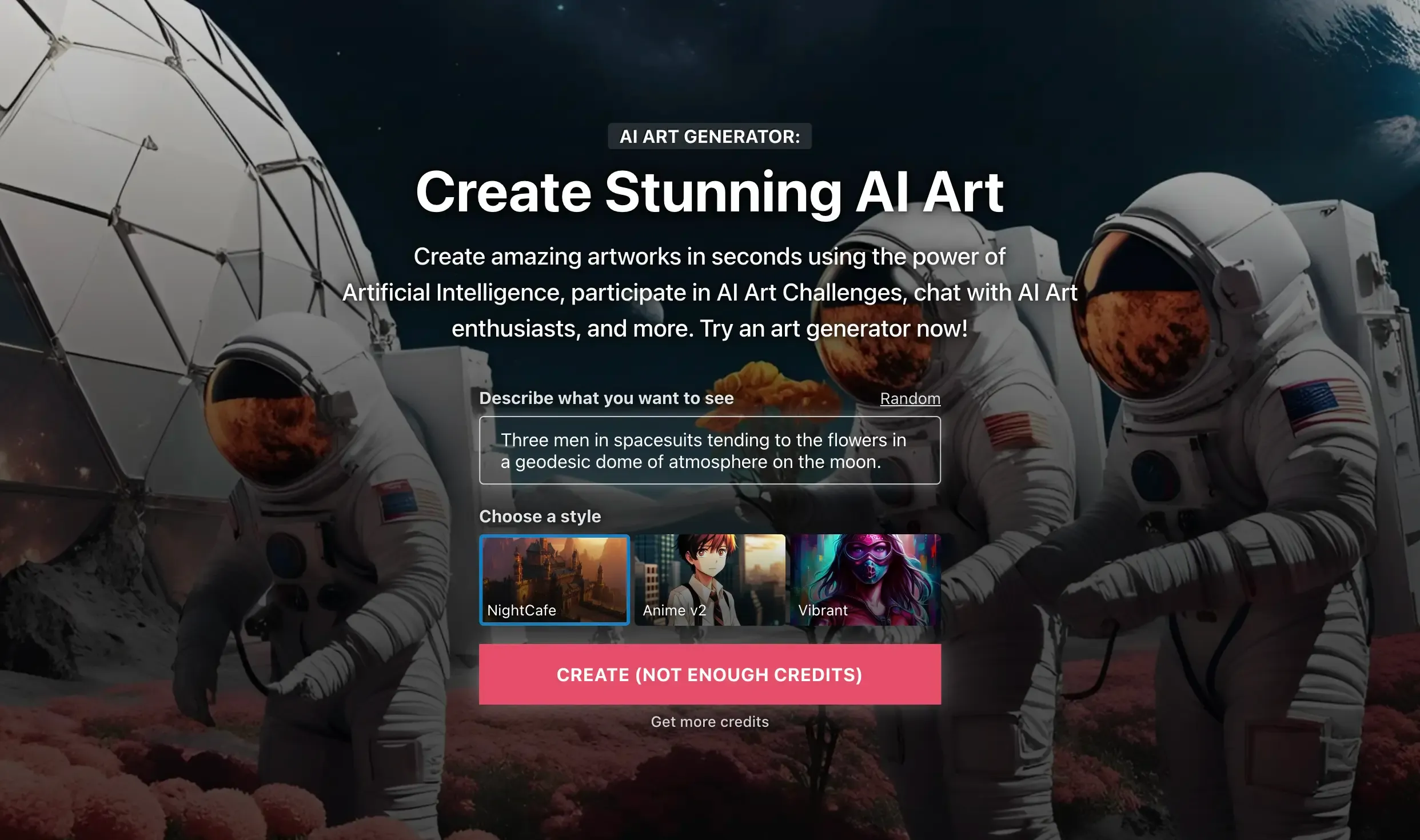
Signing up on NightCafe is straightforward. Once registered, you can navigate through various sections like 'My Creations', 'Explore', and 'Challenges', each offering unique features. The 'Create' button is your starting point for generating new artwork.
Understanding NightCafe’s Tools and Features
NightCafe employs various AI models like Stable Diffusion, DALL-E 2, and original models such as Coherent and Artistic Style Transfer. Each model has a unique contribution to the art creation process. You can generate images from text prompts or use a base image alongside text. NightCafe also offers a style transfer feature, which can transform ordinary photos into artistic creations. The platform’s interface includes sections for managing creations, exploring community art, participating in challenges, and accessing settings. Its intuitive design ensures ease of navigation. NightCafe allows detailed customization of prompts, aspect ratios, and settings. You can evolve images to improve or add elements, enhancing the creative process. NightCafe hosts an active community where users can share, learn, and collaborate.
Key Features
- Diverse Creation Methods: Includes text-to-image, style transfer, and coherent image creation.
- Community Challenges: Daily art challenges for creativity and credit earning.
- Fine-Tuned Personalization: Users can fine-tune AI models with specific images or styles.
- Robust AI Algorithms: Access to various algorithms including SDXL 1.0 and DreamShaper.
Pricing and Credit System
- Credit Packs: One-time purchases for a fixed number of credits. No subscription is required.
- NightCafe PRO: A subscription service offering monthly credits, ad-free experience, and early model access.
- Free Credits: Daily top-up of 5 free credits and additional credits through community participation.
- Payment Security: Transactions are secured through Paddle.
- Subscription Management: Users can easily manage their subscriptions.
- Credit Rollover: Unused credits carry over to the next month.
Unique Features That Set NightCafe Apart
- Custom Model Training: Tailor AI models with personal images for unique art pieces.
- Community Challenges: Engage in daily themed art challenges for rewards.
- Variety of AI Algorithms: Supports multiple AI models for diverse artistic creations.
Pros and Cons of NightCafe
Pros:
- Diverse AI models and creation methods
- User-friendly interface and community support
- Customization options for personalized art creation
- Credits system for balanced usage
Cons:
- Learning curve for beginners
- Credit system may limit extensive use without a subscription
Use Cases
Best Uses:
- Creating unique art pieces from text prompts.
- Fine-tuning models with personal images.
- Participating in art challenges for credits and community engagement.
Limitations:
- Not designed for ultra-realistic image generation.
- Limited in creating specific, detailed scenarios without precise prompts.
Prompt Examples
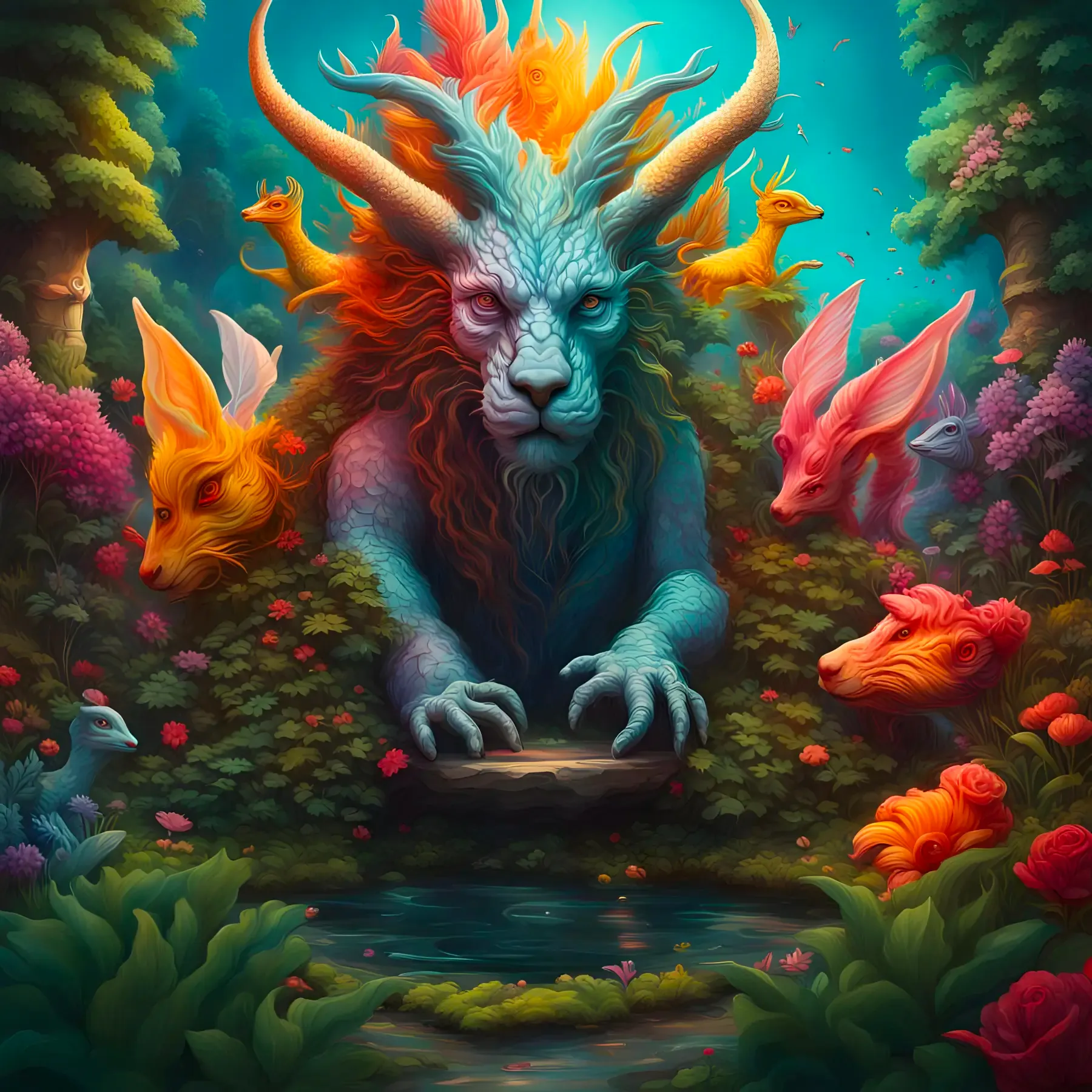
Prompt Example: A surreal garden with mythical creatures. Hyperrealistic, splash art, concept art, mid shot, intricately detailed, color depth, dramatic, 2/3 face angle, side light, colorful background. |
|---|
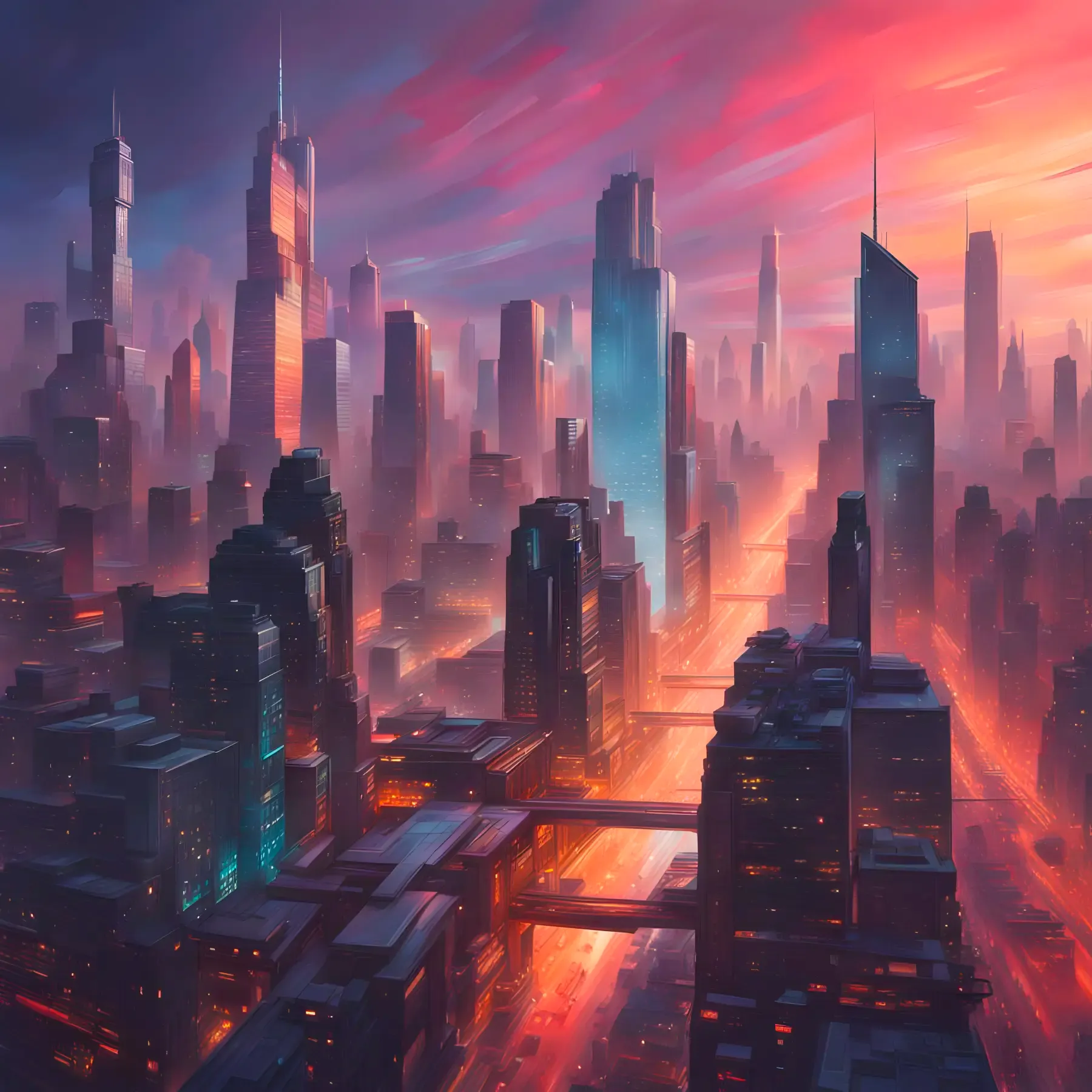
Prompt Example: A futuristic cityscape at dusk. Hyperrealistic, splash art, concept art, mid shot, intricately detailed, color depth, dramatic, 2/3 face angle, side light, colorful background. |
|---|
NightCafe offers an accessible platform for both novice and experienced artists to explore AI-generated art. Its community-driven approach, unique features like custom model training, and a variety of AI algorithms make it a standout choice in the realm of AI art generation.
Eager to start your AI art journey with NightCafe? Sign up today and dive into the endless possibilities of AI-driven creativity. If you're keen on exploring more content around NightCafe or have specific topics in mind you'd like us to cover, let us know in the comments below. We're here to guide you through every step of your AI art exploration!
Frequently Asked Questions
Is NightCafe free to use?
Yes, you can use NightCafe for free. Every user gets a daily top-up of 5 free credits just for logging in, and you can earn more by entering daily challenges and engaging with the community. If you want more output you can buy one-time credit packs or subscribe to NightCafe PRO.
Which AI models does NightCafe support?
NightCafe runs multiple models, including Stable Diffusion, DALL-E, and original options like Coherent and Artistic Style Transfer. You also get access to algorithms such as SDXL 1.0 and DreamShaper. Each model produces different visual characteristics, so the right pick depends on the look you are going for.
How does NightCafe's credit system work?
Generating images costs credits, and you get 5 free ones topped up daily. Beyond that you can either buy credit packs (a one-time purchase with no subscription) or get NightCafe PRO, which grants monthly credits, removes ads, and gives early model access. Unused PRO credits roll over to the next month.
Can you train a custom AI model on NightCafe?
Yes. NightCafe offers custom model training, so you can fine-tune an AI model with your own images or a specific style. That lets you generate art that reflects a particular look or subject rather than relying only on the stock models.
Is NightCafe good for ultra-realistic images?
Not really. The article flags that NightCafe is not designed for ultra-realistic image generation, and it can struggle with specific, detailed scenarios unless your prompts are precise. It shines more at stylized, surreal, and concept-art outputs than at photographic realism.
Sources
- NightCafe Pricing (credit packs, PRO, 5 free daily credits, credit rollover, Paddle checkout)
- NightCafe Updates: Earn 5 Credits Every Day, New Video Models & More
- NightCafe AI Image Generator: all AI models in one place (Stable Diffusion, SDXL, DALL-E)
- Dreamshaper XL Lightning Model (SDXL 1.0) on NightCafe
Keep reading
The archive →Adobe Firefly: Transforming Design with AI Powered Precision
Explore Adobe Firefly, the revolutionary AI tool for creators. This guide delves into its Adobe suite integration, uses, and standout features such as Generative Fill and sophisticated photo options. Perfect for high-quality images and professional design, discover how Firefly transforms creative processes.
FUTURE OF AIDeep Dream Generator: Mastering AI Artistry - A Full Guide
Explore AI-driven art with Deep Dream Generator. This guide covers its neural network tech, starting steps, features like modifiers, AI models, quality settings, and use cases like digital art and marketing.
FUTURE OF AIHow do AI Content Detectors Work
Unsure. if the content is human-written or AI-generated? Explore the world of AI content detection tools, how they use advanced techniques like analyzing context, language, and even emotional depth to uncover the truth. Learn how AI content detection can help you navigate the ethical and quality landscape of the internet.
From The Cut
All takes →- Cursor vs GitHub Copilot in 2026: Which One Earns the Seat?
- Cursor vs Windsurf in 2026: Which AI Editor Earns the Seat?
- Form Builders With a Built-In Database: The Form Should Be the Database
- Gemini API Pricing in 2026: The Operator Breakdown
- OpenAI vs Anthropic in 2026: Which Company Should You Build On?
- Perplexity vs ChatGPT in 2026: Which Wins for Real Research?