Unleashing Creative Potential with Leonardo Ai: A Comprehensive Guide
TL;DR
Leonardo AI is a creative platform built around advanced image generation, with ControlNets (Depth-to-Image, Edge-to-Image, Pose-to-Image, Pattern-to-Image), a real-time AI Canvas for in-app editing, 3D texture generation for game and 3D assets, and custom model training for brand-consistent style. It runs on a tiered, token-based model: a free tier with a daily token limit, plus paid plans for more tokens, faster generation, and premium features. Limits: output quality tracks input quality, and complex 3D models can disappoint.
Introduction
Leonardo Ai stands at the forefront of AI-driven creative tools, offering advanced image generation, 3D texture creation, and user-friendly editing features. This guide explores the wide-ranging functionalities, pricing models, and community aspects of Leonardo Ai, making it an indispensable tool for professionals in various industries.
Deep Dive into Leonardo.AI's Core Capabilities
- Advanced Image Generation:
- Depth-to-Image and Edge-to-Image ControlNets for nuanced depth manipulation and enhanced edge definition, which is crucial for illustrators and graphic designers.
- AI Canvas allows for real-time modifications and fine-tuning, eliminating the need for external software.
- 3D Texture Generation:
- An essential feature for 3D artists and game developers, adding realism to digital models.
- Practical Applications Across Industries:
- Digital artists and illustrators can use Lykon for realistic animations and Absolute Reality for vintage styles.
- Game Developers benefit from consistent style generation and deep learning technology for thematic assets.
- Marketers and advertisers can create impactful visuals and thematic backgrounds tailored to their audience.
Maximizing creativity with Leonardo.AI
- Exploration and Experimentation:
- Features like Pose-to-Image and Pattern-to-Image allow for dynamic character posing and intricate design work.
- The ability to combine ControlNets can tailor results to specific project needs.
- Custom Model Training:
- Train models with specific datasets to ensure style consistency, which is crucial for maintaining brand identity.
- Precise Image Composition:
- Image guidance for working with multiple reference images, ensuring perfect alignment with project objectives.
- Workflow Integration:
- Enhance productivity and outcome quality by integrating Leonardo.AI into existing creative workflows.
Pricing Model
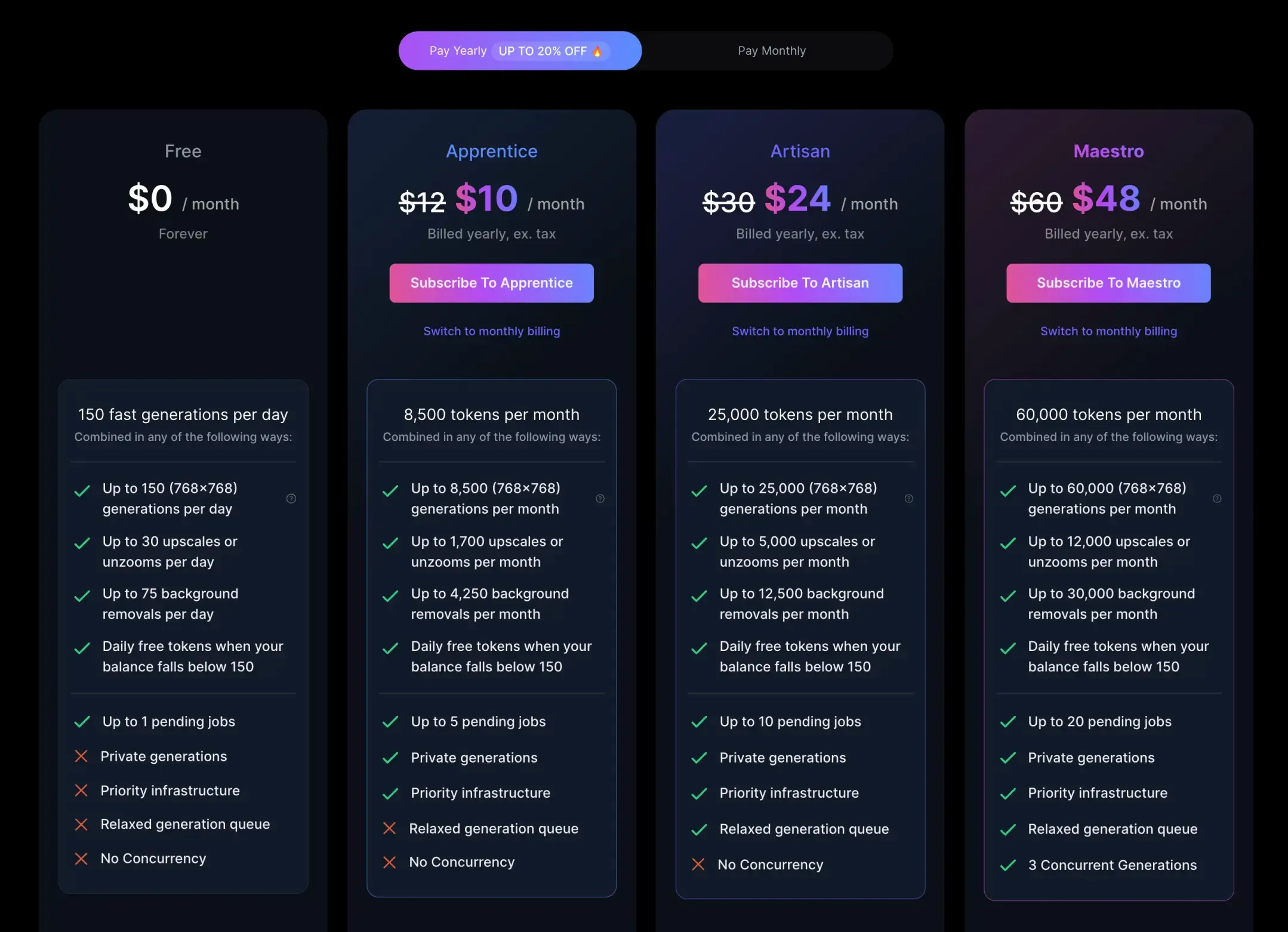
Leonardo Ai's tiered pricing structure includes a free version with basic features and a daily token limit. Paid subscriptions offer additional tokens, faster generation, and premium features, catering to professional needs across different scales.
Tool Limitations:
- Quality Control: The tool's output quality heavily relies on the input data's quality, affecting the final results.
- Token Restrictions: The free version imposes daily token limits, which can limit large-scale or frequent use.
- Complex 3D Models: While effective for most 3D textures, complex models may not yield the desired results.
- Interactivity Constraints: While AI Canvas allows real-time editing, it may not replace specialized software for complex design work.
Ease of Learning and Support:
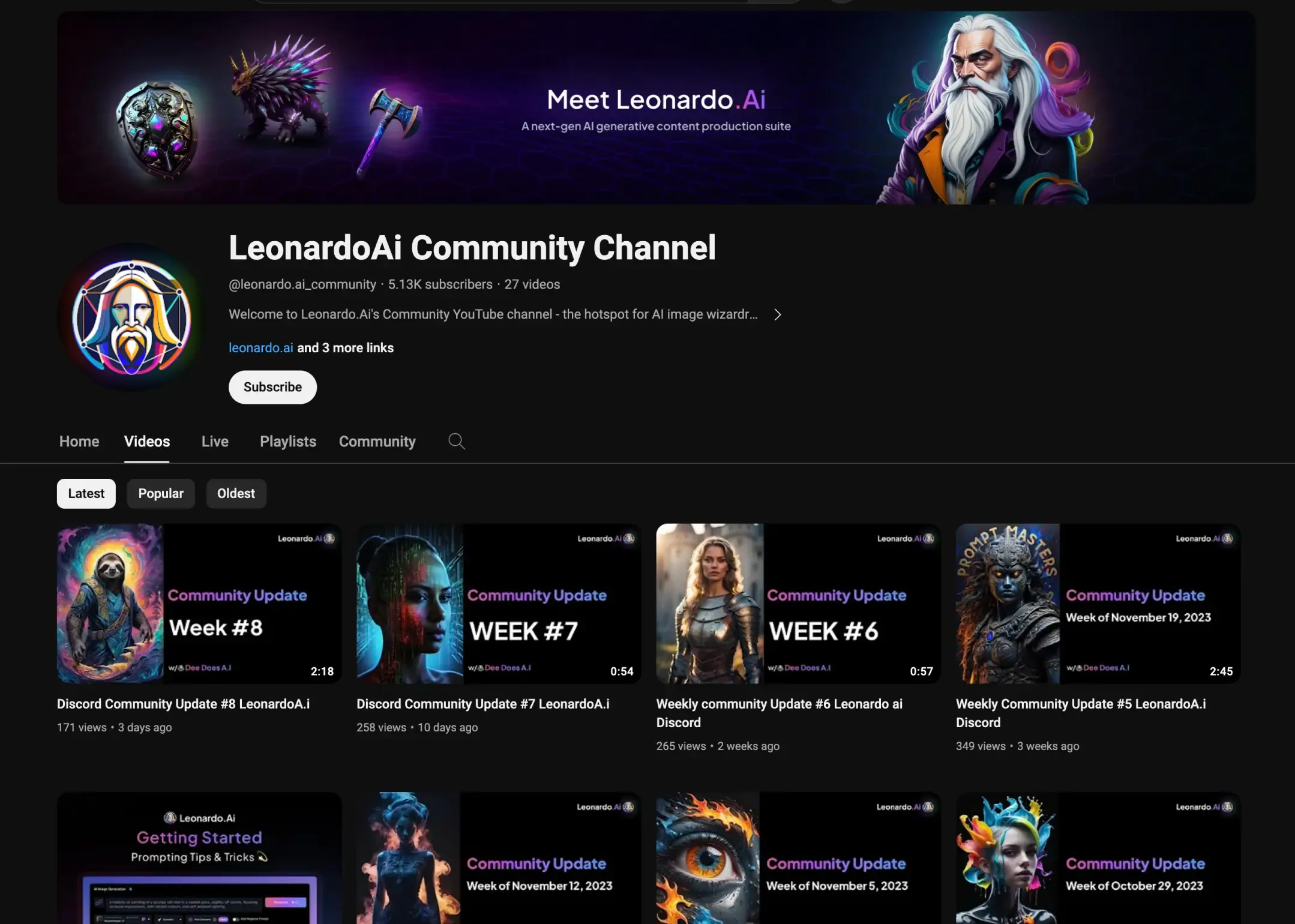
Extensive tutorial videos make Leonardo Ai user-friendly. The Leonardo tutorial channel provides resources for beginners and advanced users. Explore the tutorials.
Community Engagement:
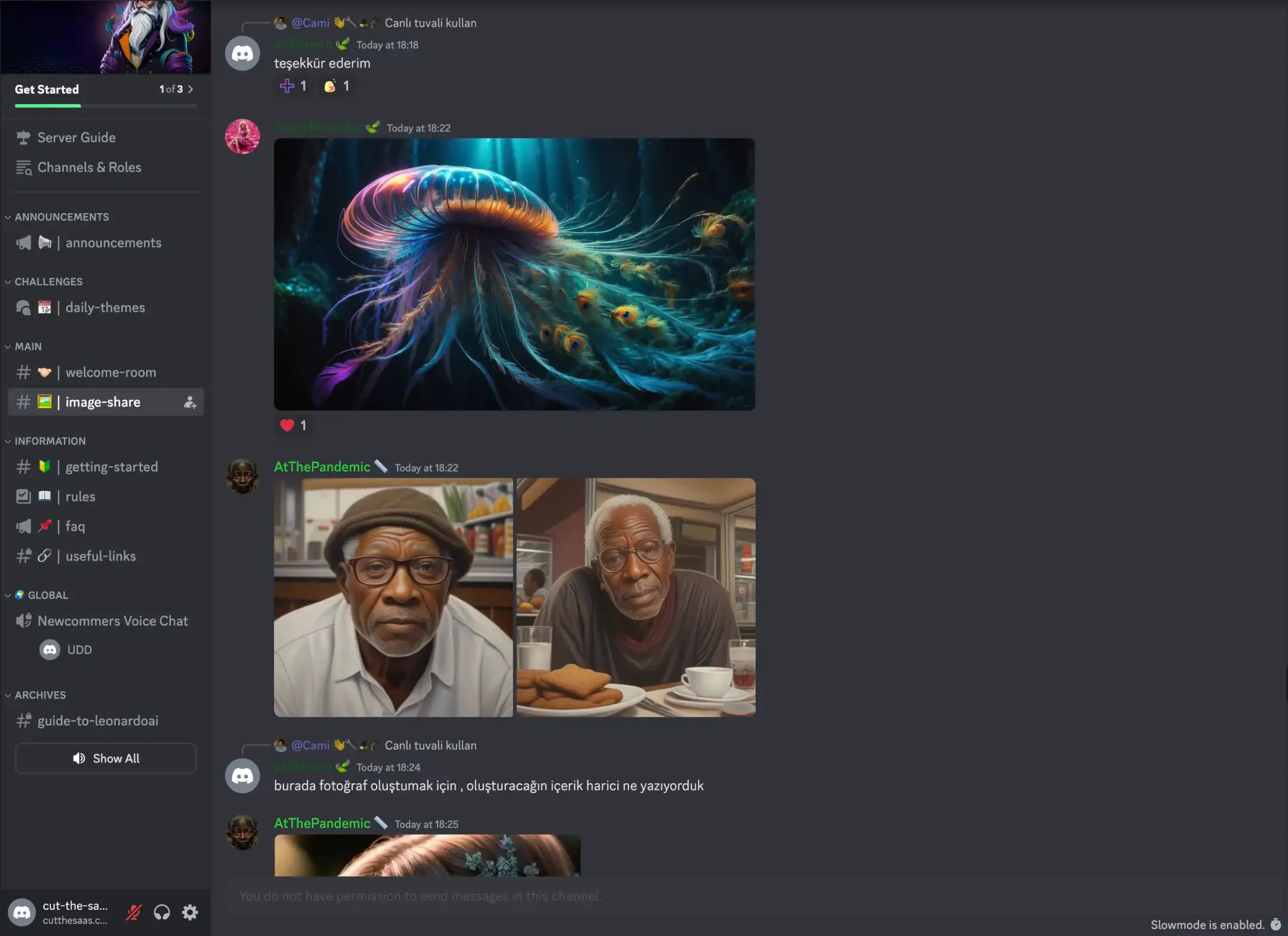
Leonardo Ai's community on platforms like Discord and Facebook facilitates interaction, collaboration, and support among users, enhancing the creative experience.
Conclusion
Leonardo Ai is more than a tool; it's a portal to enhanced creative capabilities. Suitable for both seasoned professionals and emerging artists, it offers diverse possibilities. Interested in a detailed tutorial on Leonardo Ai? Let us know, and we'll explore more in our next blog.
Frequently Asked Questions
What is Leonardo AI used for?
Leonardo AI is a creative platform for generating and editing images from text, plus producing UV-mapped textures for 3D models. It serves digital artists, illustrators, game developers, and marketers who want consistent, on-brand visuals without juggling separate tools. Beyond raw generation, it includes a real-time AI Canvas and custom model training to keep a project's style coherent.
What are ControlNets in Leonardo AI and what can they do?
ControlNets (Leonardo calls this Image Guidance) let you steer composition using a reference image instead of relying on the prompt alone. The article highlights Depth-to-Image and Edge-to-Image for depth and edge control, plus Pose-to-Image and Pattern-to-Image for character posing and intricate design. You can combine multiple ControlNets, and apply different guidance options to several reference images at once, to lock results to a specific layout or pose.
Does Leonardo AI have a free plan, and how does its pricing work?
Yes. Leonardo runs on a token system with a free tier that includes basic features and a daily token limit that resets each day. Paid subscriptions add more tokens, faster generation, and premium features, scaling up for heavier professional use. So the practical question is not price alone but how many generations per day your workflow actually needs.
Can Leonardo AI generate 3D textures, and is it good for 3D work?
Yes. Leonardo can generate textures for 3D assets: you upload a model (such as an OBJ file) and it paints a texture map onto the mesh from a prompt. It is genuinely useful for adding realism to most 3D models and game assets. The honest caveat from the article is that very complex models may not yield the results you want, so treat it as a strong accelerator rather than a guaranteed one-click solution.
What are the main limitations of Leonardo AI?
Four stand out. Output quality leans heavily on input quality (garbage in, garbage out), the free tier's daily token cap limits large-scale or frequent use, complex 3D models can fall short, and the AI Canvas, while handy for real-time edits, will not fully replace specialized design software for intricate work. Knowing these upfront keeps your expectations and your workflow realistic.
Sources
- Leonardo.Ai Help Center, Image Guidance: documents ControlNet types including Depth to Image, Edge to Image, Pose to Image, and Pattern to Image, and combining multiple ControlNets across reference images
- Leonardo.Ai Developer Docs, Generate Images Using Image Guidance: confirms Edge to Image, Depth to Image, Pose to Image, and Pattern to Image ControlNet preprocessors
- Leonardo.Ai Developer Docs, Generate Images Using Canvas Inpainting: documents the AI Canvas / real-time editing and inpainting feature
- Leonardo.Ai, AI in 3D Design Workflow: covers generating UV-mapped textures for 3D models by uploading an OBJ file (3D Texture Generation)
- Leonardo.Ai Pricing: tiered token-based plans including a free tier with a daily token limit plus paid subscriptions with more tokens and premium features
Keep reading
The archive →Adobe Firefly: Transforming Design with AI Powered Precision
Explore Adobe Firefly, the revolutionary AI tool for creators. This guide delves into its Adobe suite integration, uses, and standout features such as Generative Fill and sophisticated photo options. Perfect for high-quality images and professional design, discover how Firefly transforms creative processes.
FUTURE OF AIDeep Dream Generator: Mastering AI Artistry - A Full Guide
Explore AI-driven art with Deep Dream Generator. This guide covers its neural network tech, starting steps, features like modifiers, AI models, quality settings, and use cases like digital art and marketing.
FUTURE OF AIHow do AI Content Detectors Work
Unsure. if the content is human-written or AI-generated? Explore the world of AI content detection tools, how they use advanced techniques like analyzing context, language, and even emotional depth to uncover the truth. Learn how AI content detection can help you navigate the ethical and quality landscape of the internet.
From The Cut
All takes →- Claude API Pricing in 2026: What You'll Actually Pay (And How to Cut It in Half)
- Claude Code vs Cursor in 2026: Which AI Coding Tool Should You Use?
- Claude Code vs GitHub Copilot in 2026: Two Different Shapes of the Same Job
- Claude Fable 5 vs Opus 4.8: When the Cheaper Claude Actually Wins
- Claude Opus vs Sonnet (4.8 vs 4.6): Which One Do You Actually Need?
- Claude Sonnet vs Haiku in 2026: When the Cheapest Claude Wins